Every organisation will face a security incident at some point. What separates a bad day from a disaster is usually not the attack itself but the response: how quickly it was noticed, whether evidence was preserved, and whether the team knew who decides what. A clear, rehearsed process makes the difference.
The incident response lifecycle
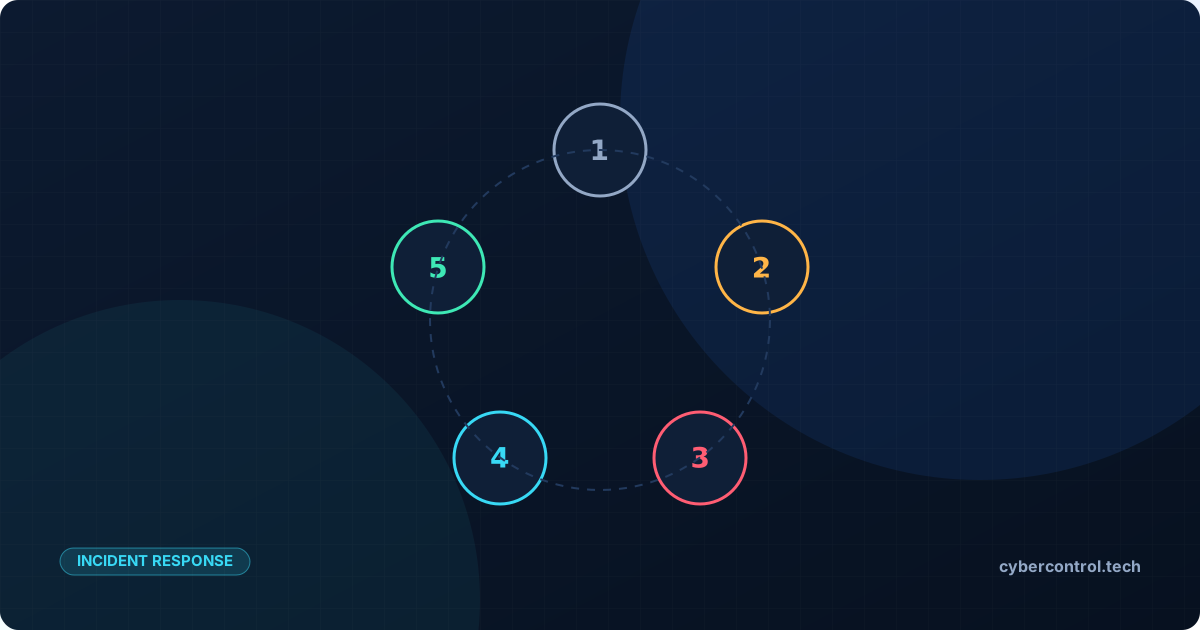
Most frameworks, including the guidance published by NIST in SP 800-61, describe a cycle rather than a straight line:
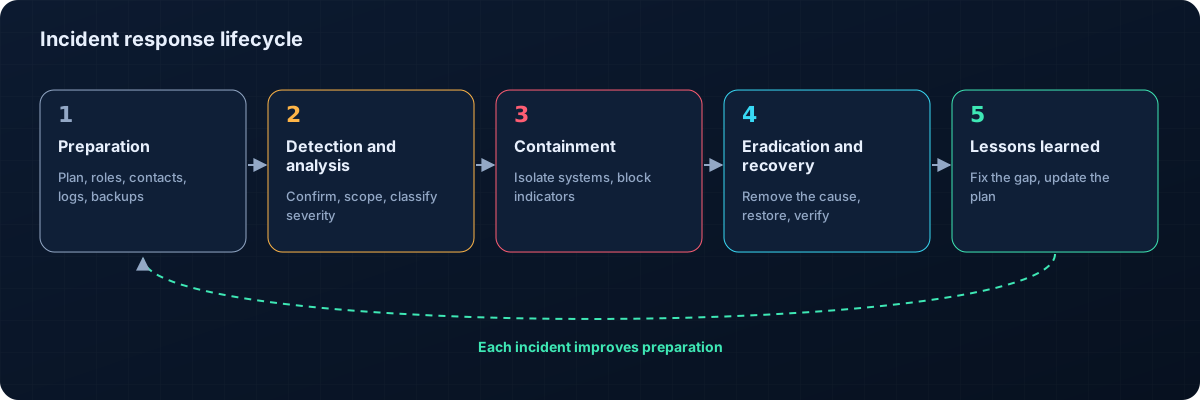
- Prepare: plans, contacts, tools, logging and backups ready before anything happens.
- Detect and analyse: recognise that something is wrong, establish scope and severity.
- Contain: stop the spread while preserving evidence.
- Eradicate: remove the attacker's access, malware and persistence.
- Recover: restore systems safely and watch for signs of return.
- Learn: review what happened and improve controls.
Preparation: the work that pays off later
- An incident plan with roles, decision rights and escalation paths. Who can disconnect a server? Who talks to customers?
- Contacts for IT, management, legal, insurers, external specialists and, where required, regulators.
- Logs retained long enough to investigate: intrusions are often discovered weeks after they begin.
- Backups that are tested, and at least one copy that attackers cannot reach or delete.
- Exercises: a short tabletop exercise once or twice a year reveals most gaps in a plan.
The first hours
When an alert or report suggests an incident:
- Do not panic, and do not wipe: reinstalling a machine immediately destroys the evidence you need to understand what happened.
- Record everything: start a timeline with times, actions and who did them.
- Assess scope: which systems, accounts and data are involved? Is it still active?
- Contain proportionately: isolate affected machines from the network, disable compromised accounts and reset credentials, block known malicious addresses.
- Escalate: inform the decision-makers in your plan and bring in specialists early.
- Consider obligations: data-protection laws and regulations such as GDPR and NIS2 can require notification within strict deadlines.
Eradication and recovery
Removing one piece of malware is rarely enough. Attackers usually create several ways back in: new accounts, scheduled tasks, remote-access tools or stolen credentials. Eradication means finding and closing all of them, then fixing the weakness that let them in.
Recovery restores systems from clean sources, in an order that respects dependencies, with extra monitoring for the following weeks. Restored systems should be patched and hardened before they go back into service.
Lessons learned
Within a few weeks of closing an incident, hold a blameless review: what happened, what worked, what did not, and what will change. Turn each lesson into a concrete action with an owner: a new detection rule, a configuration change, a training session or an update to the plan.
How the right tools help
- Threat intelligence helps analysts quickly understand indicators found during an investigation, such as malicious IPs, domains and file hashes, and the actors behind them.
- Tested detections shorten the time between the first malicious action and the first alert.
- External monitoring shows when public services are affected and when they are back.
Key takeaways
- Prepare before an incident: plan, contacts, logs, backups and exercises.
- In the first hours, preserve evidence, contain proportionately and escalate.
- Eradicate every way back in, then recover carefully.
- Turn every incident into concrete improvements.